Omniracle

How Can Links Be Effectively Used In Articles For SEO Purposes?

To effectively use links in articles for SEO purposes, it's essential to understand the role of both internal and external links and how they contribute to search engine optimization.

Internal Links:

  • Definition and Benefits: Internal links are hyperlinks that connect one page of a website to another page on the same domain. They enhance website navigation, distribute page authority, improve user experience, and increase page views.
  • Strategies: Use descriptive anchor text, connect pages with similar themes, maintain a logical site structure, and limit internal links to 4-5 per 2000-word article. Regularly audit internal links to ensure they are relevant and functional.
  • Common Issues: Avoid broken links, irrelevant connections, and link overload. Tools like Google Search Console, Ahrefs, and Screaming Frog can help manage internal links.

External Links:

  • Definition and Benefits: External links point from your site to pages on other domains. They build credibility and trust, boost SEO rankings, and enhance user experience.
  • Strategies: Choose authoritative sources, clearly indicate what users can expect from the link, limit the number of external links, and use them to support claims. Ensure the anchor text is descriptive and relevant.
  • Common Issues: Avoid linking to low-quality or irrelevant sites, neglecting link maintenance, and using vague anchor text. Tools like Moz Link Explorer, SpyFu, and Majestic can assist in managing external links.

Link Building for SEO:

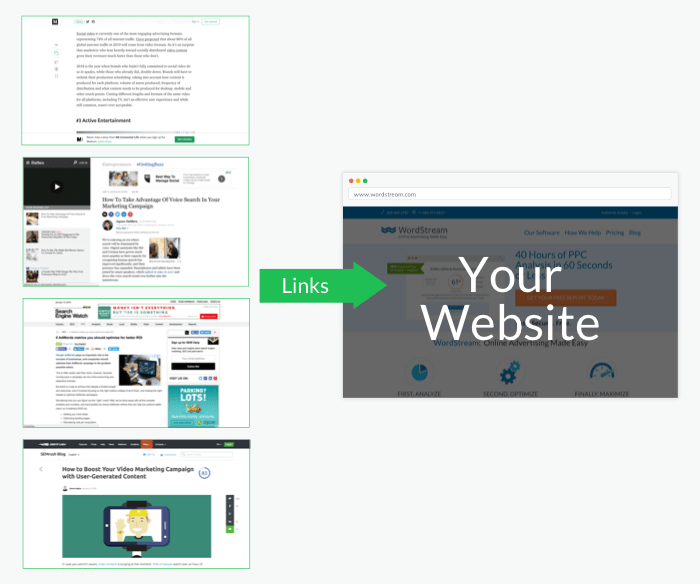
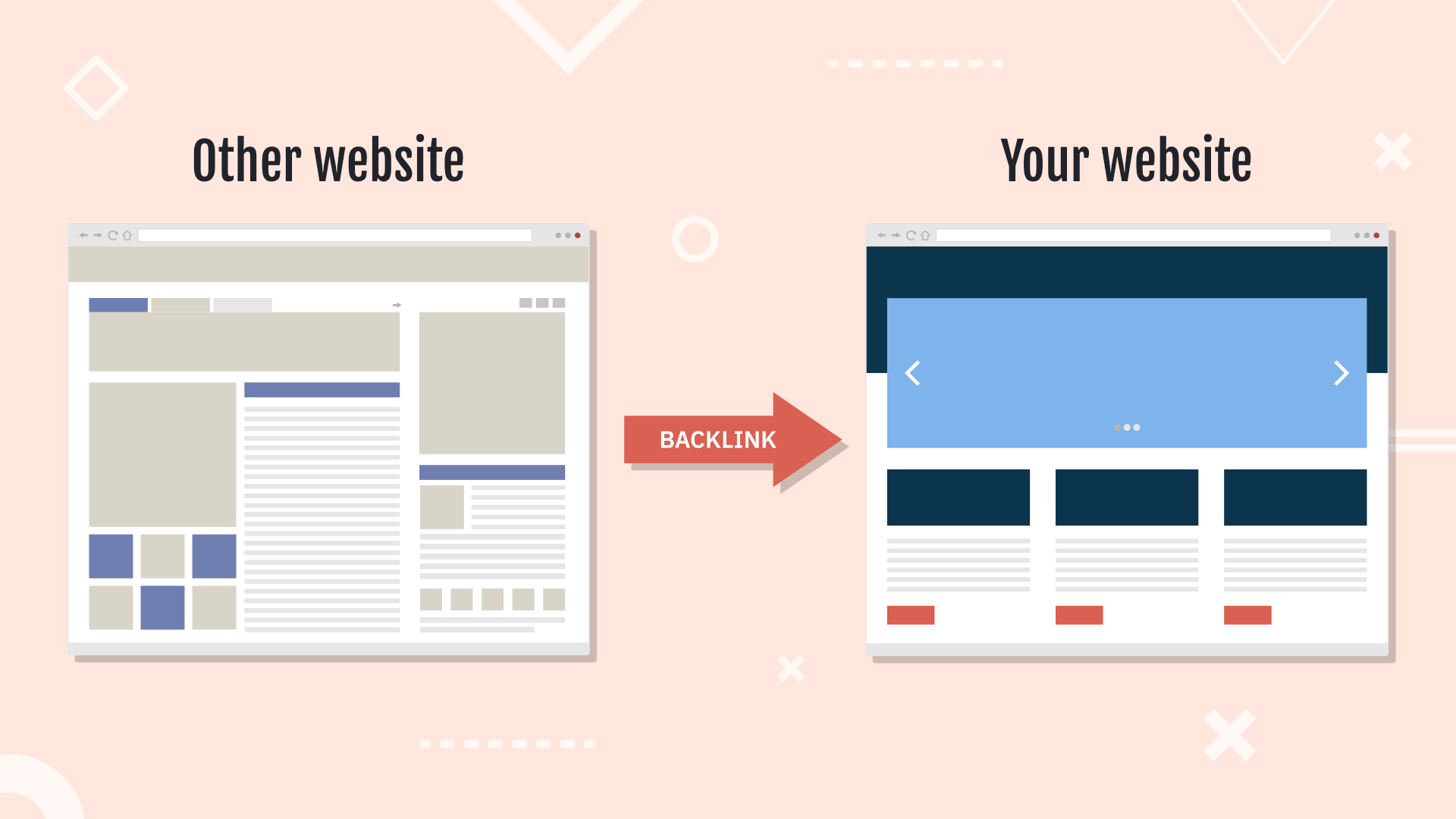
  • Importance: Link building is crucial for gaining credibility and improving site visibility on search engines. Backlinks are considered endorsements by Google, and high-quality links from authoritative sites have a significant impact on rankings.
  • Strategies: Create high-quality content that naturally attracts backlinks, engage in outreach to request links, and avoid manipulative tactics like buying links. Utilize methods such as email outreach, responding to journalists, broken link building, and creating linkable assets.
  • Monitoring and Analysis: Regularly audit your backlink profile to track earned and lost links. Use tools like Semrush, Ahrefs, or Moz to analyze competitors' backlinks and identify opportunities for your own link building.

Conclusion: A balanced approach to internal and external linking is key to a successful SEO strategy. Internal links strengthen site structure, while external links build credibility. Continuously monitor and refine your linking strategies to adapt to the dynamic nature of SEO.

What Is Telegram And How Does It Work?

What Is Telegram And How Does It Work?

To answer the main question, "What is Telegram and how does it work?", let's break it down into two parts: what Telegram is and how it functions. What is Telegram?1. Overview: - Telegram is a cloud...

How Will AI Search Impact SEO?

How Will AI Search Impact SEO?

AI search is poised to significantly impact SEO by transforming how search engines understand and process information, thereby influencing SEO strategies and practices. Here are the key ways AI search...

What Are Some Examples Of AI Tools For Customer Engagement?

What Are Some Examples Of AI Tools For C...

Here are some examples of AI tools for customer engagement:1. HubSpot CRM: Offers predictive lead scoring, email automation, and dynamic email content. It provides a free basic plan, with paid plans s...

How Does AI Improve Diagnostic Accuracy In Healthcare?

How Does AI Improve Diagnostic Accuracy ...

Artificial intelligence (AI) is significantly enhancing diagnostic accuracy in healthcare by leveraging advanced algorithms and data analytics to improve patient care and clinical outcomes. Here are s...

How To Search More On Character Ai

How To Search More On Character Ai

To effectively search and explore more on Character AI, consider the following strategies:1. Utilize the Search Functionality: Use the search bar on the Character.AI platform to find characters by nam...

What Did I Just Ask

What Did I Just Ask

Based on the context provided, your question "what did I just ask" is a request for clarification or confirmation about the nature or content of a previous inquiry you made. It is a type of question t...