Omniracle

What Is Telegram Mini App?

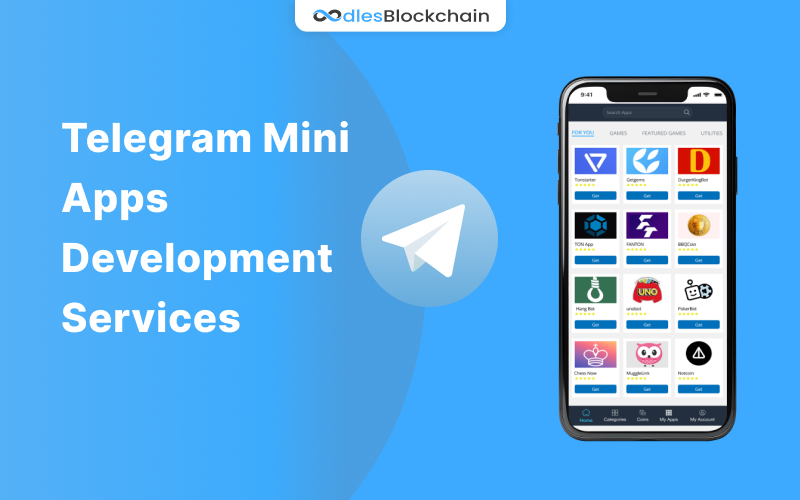
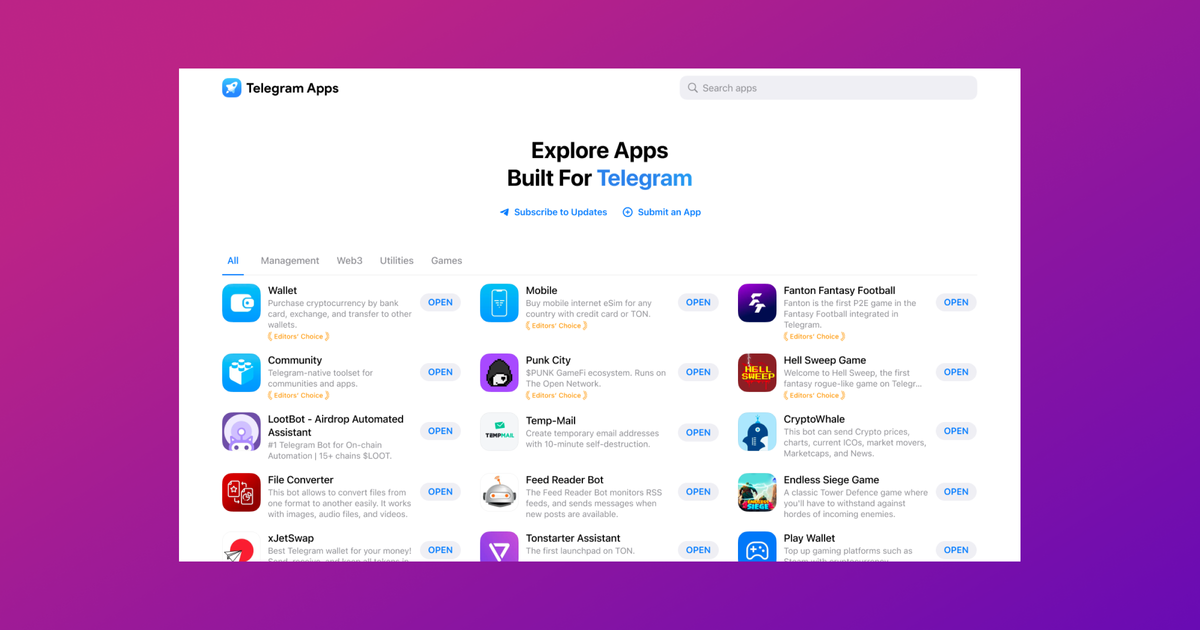
Telegram Mini Apps are web-based applications that operate within the Telegram messaging platform, providing users with enhanced functionalities without leaving the chat environment. These apps are built using standard web technologies such as HTML, CSS, and JavaScript, and they integrate seamlessly into the Telegram interface, offering a consistent user experience across various devices, including desktops, smartphones, and tablets.

Key Features of Telegram Mini Apps:

  • Seamless Integration: Mini Apps run directly within Telegram, eliminating the need for additional software installations.
  • User-Friendly Interface: They offer custom UIs that are designed to be intuitive and easy to navigate.
  • Secure Transactions: Mini Apps support secure user login and payment processing through Telegram’s built-in systems, including support for cryptocurrencies like Toncoin.
  • Real-Time Interaction: They enable real-time collaboration, media sharing, and interactive features such as polls and quizzes.
  • Push Notifications: Tailored notifications can be sent to users, enhancing engagement and interaction.

Use Cases:

  • Retail and E-commerce: Retailers can create shopping experiences within Telegram, allowing users to browse and purchase products directly in the app.
  • Education and Learning: Educational institutions can deliver courses and interactive learning materials.
  • Gaming: The gaming industry can offer multiplayer games accessible in group chats.
  • Customer Support: Businesses can provide instant customer support through integrated help centers.

Development Process:

  1. Define Purpose and Audience: Clearly outline the app's objectives and target users.
  2. Design UI: Create wireframes and design the user interface using tools like Figma.
  3. Build the App: Use web technologies and Telegram APIs to develop the app.
  4. Testing: Conduct thorough testing across different devices to ensure compatibility and performance.
  5. Deployment: Deploy the app through a Telegram bot or integrate it into a chat.

Technological Integration:

  • TON Blockchain: When integrated with the TON blockchain, Mini Apps can offer secure transactions and access to decentralized services like DeFi and NFTs.
  • Development Tools: Utilize Telegram Bot API, TON development tools, and SDKs for building and integrating blockchain features.

Future Prospects:

Telegram Mini Apps are expected to grow in demand, with innovations such as AI integration and enhanced payment systems. They offer businesses opportunities for growth, community engagement, and technological innovation, making them a valuable addition to digital strategies.

How Can Marketers Adapt To The Rise Of AI Overviews?

How Can Marketers Adapt To The Rise Of A...

Marketers can adapt to the rise of AI overviews by embracing the integration of AI technologies into their strategies and operations. Here are some key ways they can do so:1. Prioritize AI Investments...

How To Get Rich?

How To Get Rich?

To achieve wealth, it's essential to adopt a strategic approach that involves setting clear financial goals, managing expenses, and making informed investment decisions. Here are some key strategies b...

123

123

The number 123 can be interpreted in various contexts, particularly in numerology and spiritual guidance. Here are some insights based on the provided knowledge:1. Numerological Significance: - The...

How Do Market Fluctuations Impact Investment Decisions?

How Do Market Fluctuations Impact Invest...

Market fluctuations significantly impact investment decisions, influencing both individual and institutional investors. Here's a detailed analysis based on the provided knowledge:1. Behavioral Aspects...

How To Promot My Telegram Mini App

How To Promot My Telegram Mini App

To effectively promote your Telegram mini app, you can leverage several strategies and tools that are tailored to the unique features of the Telegram platform and its vast user base. Here’s a comprehe...

What Is The Process To Add A Custom Search Engine In Chrome?

What Is The Process To Add A Custom Sear...

To add a custom search engine in Google Chrome, follow these steps:1. Open Chrome Settings: Click on the three vertical dots (`⋮`) in the upper-right corner of the Chrome browser to open the menu, the...