Omniracle

Why Is Google Ai Experimental Not Showing Up In Search

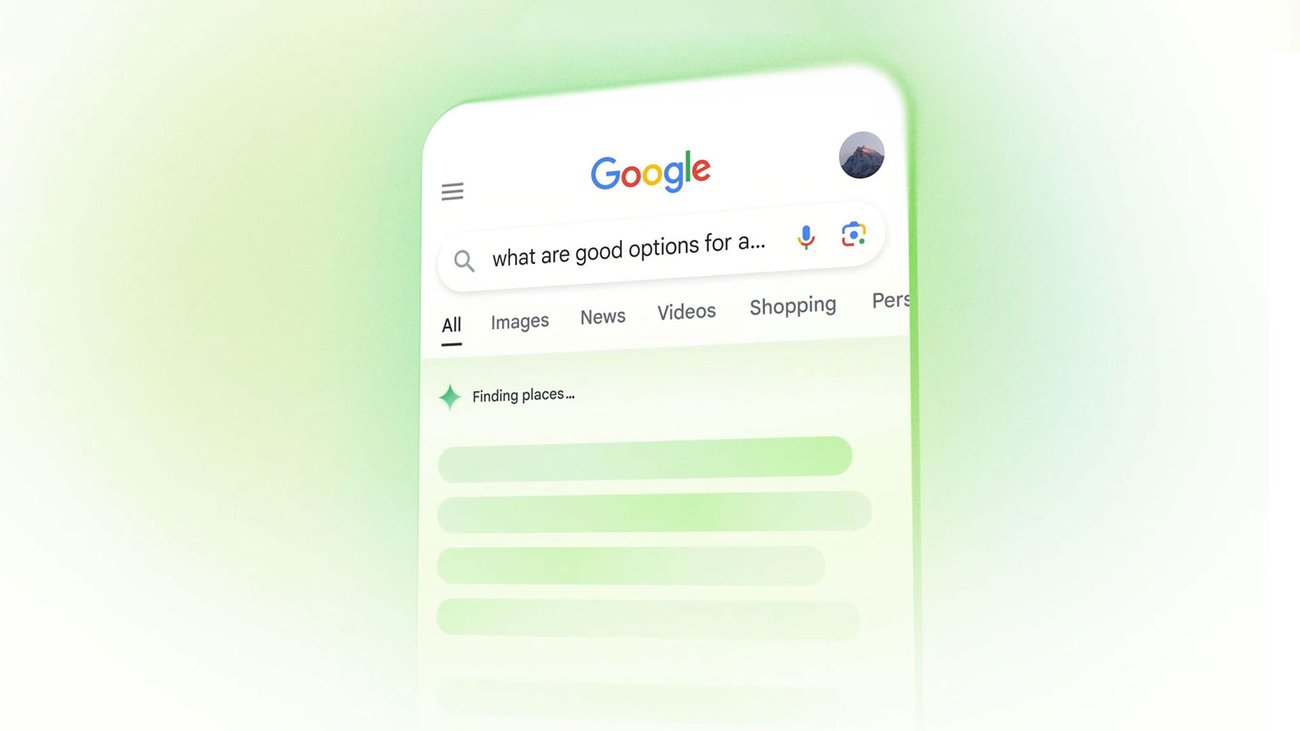
If Google AI experimental features are not showing up in your search results, there could be several reasons based on the information provided:

  1. Limited Rollout: Google has been gradually rolling out its AI Overviews and Search Generative Experience (SGE) to a subset of users and queries, primarily in the U.S. This means that not all users will see these features immediately, as they are being tested on a small percentage of search traffic.

  2. Opt-In Requirement: Initially, these features were available only to users who opted into the Search Generative Experience through the Search Labs platform. If you haven't opted in, you might not see these experimental features.

  3. Query Type: AI Overviews are shown for specific types of queries. If your searches do not fall within the categories that trigger AI Overviews, you might not see them. Google has been refining when and how these overviews are displayed to improve response quality and reduce errors.

  4. Browser and Settings: The availability of AI features can also depend on the browser and settings you are using. For instance, some features are accessible through specific versions of Chrome, like the M121 update, which includes experimental AI features.

  5. Geographical Restrictions: The rollout of AI Overviews and other experimental features is currently focused on certain regions, primarily the U.S. If you are located outside these regions, you might not have access yet.

  6. Technical Adjustments: Google has been making technical improvements to address issues with AI Overviews, such as reducing reliance on user-generated content and improving detection of nonsensical queries. These adjustments might affect the frequency and context in which AI Overviews appear.

If you are interested in accessing these features, consider checking if you can opt into the Search Generative Experience through Search Labs, ensure your browser is up to date, and verify if your queries align with those that typically trigger AI Overviews.

How Do I Create Roles On My Discord Server?

How Do I Create Roles On My Discord Serv...

To create roles on your Discord server, follow these steps:1. Access Server Settings: - On a desktop, click on your server's name at the top-left corner and select "Server Settings" from the dropdo...

How To Develop With Ai

How To Develop With Ai

To develop with AI, it's essential to understand the tools, frameworks, and programming languages that are most effective in this field. Here's a structured approach based on the knowledge provided:1....

How Can I Negotiate Better Terms With My Creditors?

How Can I Negotiate Better Terms With My...

To negotiate better terms with your creditors, it's essential to approach the situation strategically and with a clear understanding of your financial position. Here are some steps and considerations ...

How To Search More On Character Ai

How To Search More On Character Ai

To effectively search and explore more on Character AI, consider the following strategies:1. Utilize the Search Functionality: Use the search bar on the Character.AI platform to find characters by nam...

How To Promot My Telegram Mini App

How To Promot My Telegram Mini App

To effectively promote your Telegram mini app, you can leverage several strategies and tools that are tailored to the unique features of the Telegram platform and its vast user base. Here’s a comprehe...

What Did I Just Ask

What Did I Just Ask

Based on the context provided, your question "what did I just ask" is a request for clarification or confirmation about the nature or content of a previous inquiry you made. It is a type of question t...